Print Full Receipt from Plant Assembly
You can now print a full receipt when printing from plant assembly.
Keep track of all new updates to CleanCloud
You can now print a full receipt when printing from plant assembly.
You can now confirm cash up amounts received for multiple stores from the new cash received page.
This is particularly useful for large multi-store businesses that want to confirm cash received from all stores.
To access this page go to; https://cleancloudapp.com/cash-receive.php
For more information and to have this feature activated for select user accounts please contact our Support team.
When using assisted assembly the rack # is now displayed in Plant mode on the Cleaning and Deliver to Store pages.
It is now possible to give multiple users Admin rights. Go to Settings > Users then Edit the user.
You can now manually clear an individual assisted assembly rack slot in Store or Plant mode by using the Empty Slot Button and entering the rack number.
You can now switch off the Quick Drop feature on the New Order Page.
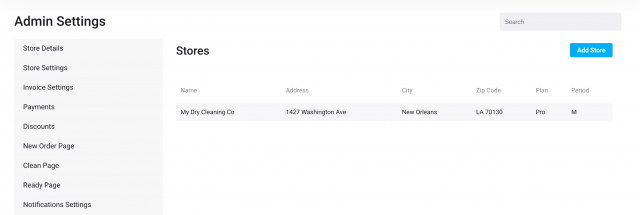
To do this go to; Settings>Admin Settings>New Order Page and scroll down to Enable Quick Drop Feature. Make sure the toggle is off (should be grey not blue).
The following additions have been made the the receipt printed from Plant with assisted assembly;
The customer app was redesigned from the ground up for iOS to make all tasks easier for you as well as speedy performance improvements:
- Easier to find and select your default store
- Easier to select pickup and delivery dates
- Easier to select items for your order
- Easier to update your card information
- Easier to view order history and status
- Easier to create repeat pickups
- Easier to join a subscription
- Better multilingual support
More features and improvements to come soon.
You can now select Pay by Laundrycard/Fascard as a default payment method.
Go to Settings>Admin Settings>New Order Page>Default Payment Method and select from the dropdown menu.